TempMail360 Blog
How to Use Temp Mail: Step-by-Step Setup for Fast Verification
Introduction: A Practical Tutorial for First-Time Users
If you searched for how to use temp mail, this guide is for action, not theory. You will learn the exact steps to generate a temporary inbox, use it for verification, and finish signup safely.
If you want the broader definition and use cases first, read What Is the Use of Temp Mail?.
1. Before You Start: When This Tutorial Helps Most
Use this walkthrough when you need to:
- receive a one-time verification email quickly
- avoid long-term marketing spam
- test account flows without exposing your real inbox
- separate temporary signups from important personal accounts
2. Step-by-Step: How to Use TempMail360
Using our service is designed to be as simple as possible. Follow these three steps:
Step 1: Visit the Homepage
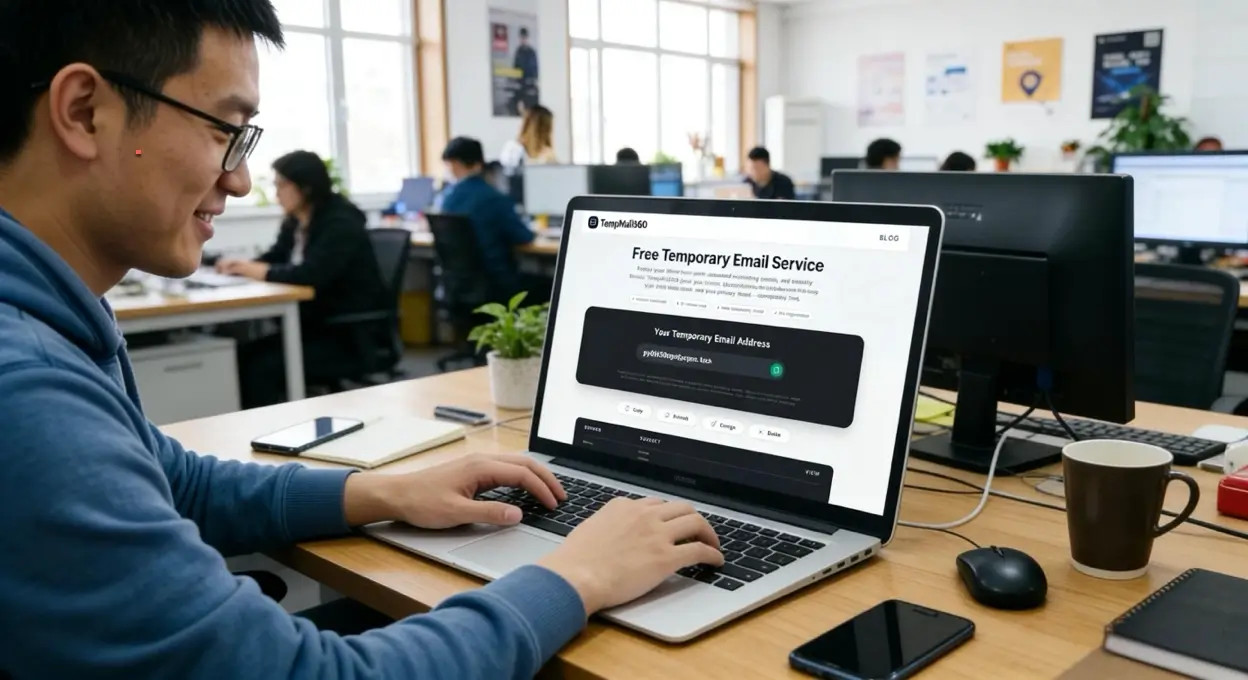
Navigate to the TempMail360 Homepage. A fresh temporary address is generated immediately.
Step 2: Copy Your New Address
Click the "Copy" button next to your temporary email address. Paste this address into the registration form of the website you are using.
Step 3: Receive and View Emails
Stay on the TempMail360 page. Your incoming emails will appear instantly in the inbox section below. Click on any email to view the content, copy your verification code, or click activation links.
Pro Tip: Once you are done, you can simply close the tab. Your temp mail and all messages will be permanently deleted after the expiration period.
3. Core Advantages of TempMail360: 100% Free & Powerful
We believe that online privacy is a right, not a luxury. That’s why all core features of TempMail360 are entirely free for every user. You don’t need to pay a cent to protect your identity.
- Selectable Duration: Choose a 1, 6, 12, or 24-hour inbox for the task at hand.
- High-speed Delivery: Experience professional-grade mail delivery at no cost.
- Automatic Expiry: The mailbox and its messages are removed after the duration you select.
4. Best Practices for Disposable Emails
- Avoid Sensitive Accounts: Never use email temporary for banking, recovery emails, or primary social media accounts. You cannot recover these if you lose the password.
- Use and Forget: Use the address for its specific purpose and then let it expire.
- Switching Domains: If a specific domain is blocked by a website, simply refresh TempMail360 to get a different domain extension.
5. Choose the Right Guide for Your Use Case
- For temporary Gmail-specific workflows, read Temporary Gmail: Complete Guide.
- For social platform registration flows, read Temp Mail for Facebook and Social Media Sign-ups.
- For strategy and privacy fundamentals, read What Is the Use of Temp Mail?.
6. Frequently Asked Questions (FAQ)
- Is it safe to use TempMail360? Yes. We act as a firewall for your real inbox, preventing trackers and spammers from reaching you.
- How long do emails stay in the inbox? They remain available until the selected 1, 6, 12, or 24-hour mailbox duration expires.
- Do I need an APK or App? No. TempMail360 is optimized for all mobile and desktop browsers, providing a seamless experience without downloads.
Conclusion
Privacy shouldn't be complicated. TempMail360 gives you the tools to stay anonymous and keep your primary inbox pristine.
Get started now: Go to TempMail360 Homepage and create your first temporary inbox.