TempMail360 Blog
Temp Mail for Social Media Sign-Up: Facebook, Instagram, TikTok, and More
Introduction
This guide targets one use case only: social media sign-up with temporary email. If you want a general beginner tutorial, read How to Use Temp Mail. If you need Gmail-specific workflows, read Temporary Gmail Guide.
Signing up for social platforms often means exposing your real inbox to spam, promotions, and endless follow-up emails. If you care about privacy and cleaner inbox management, a disposable email address is the easiest fix.
tempmail360.com is a free, no-sign-up temporary email generator. It gives you a temporary email address with a selectable 1, 6, 12, or 24-hour duration.
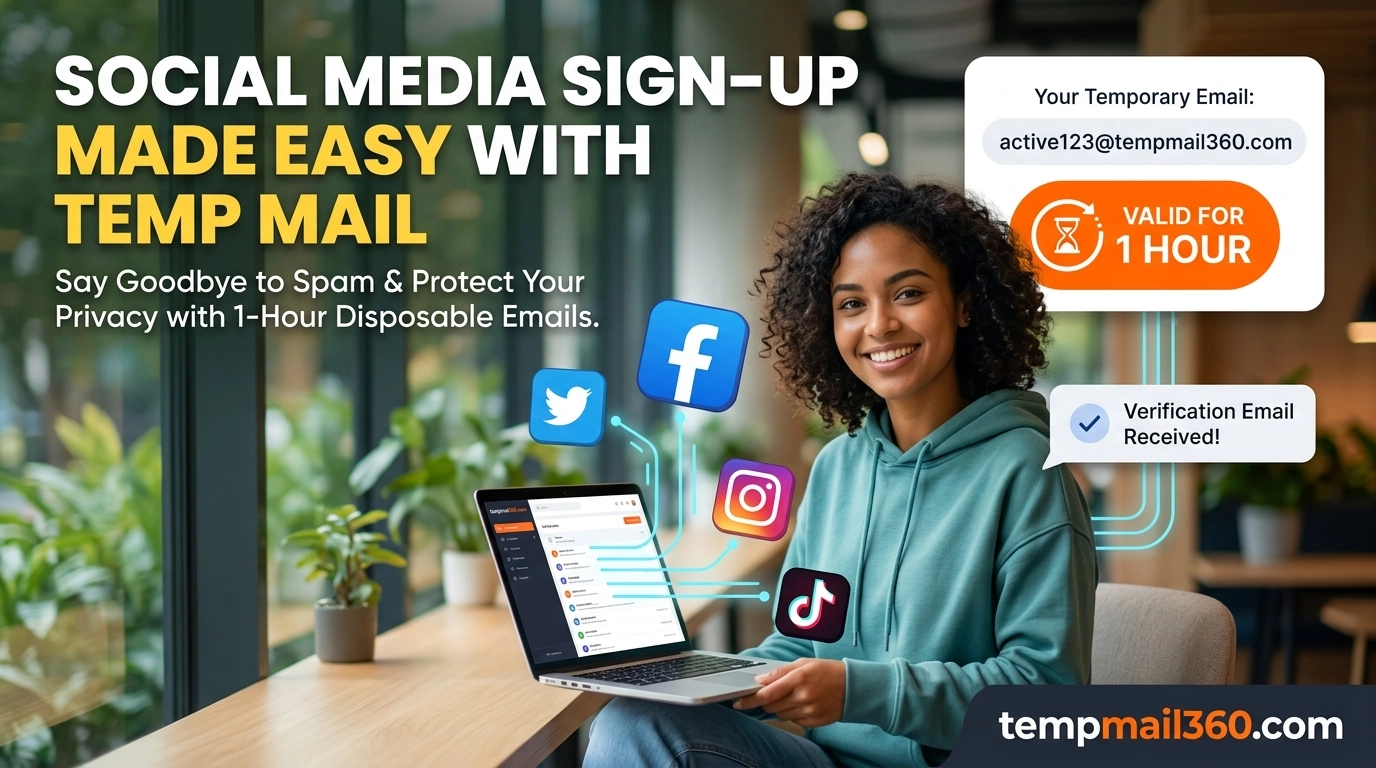
In this guide, you will learn how to use Temp Mail for Facebook (as the main example), and apply the same method to Twitter, Instagram, TikTok, Telegram, and Discord.
Why Use a Disposable Email for Social Media?
- Stop spam before it starts: Use a disposable email address instead of your primary inbox.
- Protect your privacy: Avoid linking your personal email to every social account.
- Create throwaway accounts quickly: Useful for testing, temporary campaigns, and short-term access.
- Completely free: tempmail360.com is free and available anytime.
This focus helps separate your social sign-ups from shopping, SaaS trials, and developer testing.
How to Use tempmail360.com (Any Platform)
Step 1: Open tempmail360.com
Go to tempmail360.com. A random temporary email address is created instantly (example: abc123@tempmail360.com).
You will also see an inbox area below, where new emails appear automatically. A visible countdown shows the selected lifespan.
Step 2: Copy Your Disposable Email Address
Click the Copy button to copy the generated disposable email address.
Step 3: Paste It into the Social Sign-up Form
On Facebook, Twitter, Instagram, TikTok, or any other platform, paste this temporary email address into the email field and complete the rest of the form.
Step 4: Receive Verification Email
Return to tempmail360.com. In most cases, verification emails arrive within seconds. Open the message, then click the verification link or copy the verification code.
Step 5: Finish Registration
After verification, the address remains usable until its selected duration expires.
- For long-term accounts, update to your real email later in account settings.
- For short-term use, do nothing and let the address expire automatically.
Facebook Walkthrough: Temp Mail for Facebook
- Open tempmail360.com and generate a temporary email address with enough time for verification.
- Go to Facebook and click Create New Account.
- Fill in your profile details and paste your temporary email in the email field.
- Set a password and click Sign Up.
- Return to tempmail360.com inbox.
- Open Facebook's verification email and click the confirmation link.
- Done. Your Temp Mail for Facebook account is now registered.
Note: Some platforms may block specific temporary domains. If you see an invalid email message, generate a new disposable email and try again.
Quick Notes for Other Platforms
- Twitter: Usually works well with temporary email sign-up.
- Instagram: Works in many cases, but phone verification may appear for new accounts.
- TikTok: Email registration is supported and compatible with temporary emails.
- Telegram / Discord: Good for testing and temporary account setup.
Why Choose tempmail360.com?
| Feature | Benefit |
|---|---|
| Free core service | No payment required for core inbox use |
| No registration | Get a temporary email address instantly |
| Fast generation | Create a fresh address in one click |
| Auto-refresh inbox | See incoming emails in real time |
| Selectable validity | Choose 1, 6, 12, or 24 hours |
| Privacy-first | Emails are removed automatically after expiry |
| Broad compatibility | Works with most services requiring email verification |
FAQ
How long does a tempmail360.com email last?
Choose 1, 6, 12, or 24 hours when creating the mailbox. After expiration, the address and inbox are removed.
Can I use one temporary email for multiple social accounts?
You can receive emails from multiple services during its active period. But many platforms require one unique email per account, so you may need fresh addresses.
What if a platform says invalid email?
Generate a new address and retry. Domain acceptance can vary by platform.
Will my account be banned for using a disposable email address?
Using a temporary email alone usually does not cause bans. Abuse and policy violations do. For important accounts, add a permanent recovery method later.
Why should I choose a shorter duration?
A shorter duration limits long-term exposure. Choose a longer option only when a verification message may be delayed.
Final Thoughts
If you want faster sign-ups, fewer spam emails, and better privacy, tempmail360.com is a practical solution for low-risk, short-lived accounts. Platform rules and domain acceptance can change, so use a durable recovery address for accounts you intend to keep.
Try it now: https://tempmail360.com
For broader background, see What Is the Use of Temp Mail?.